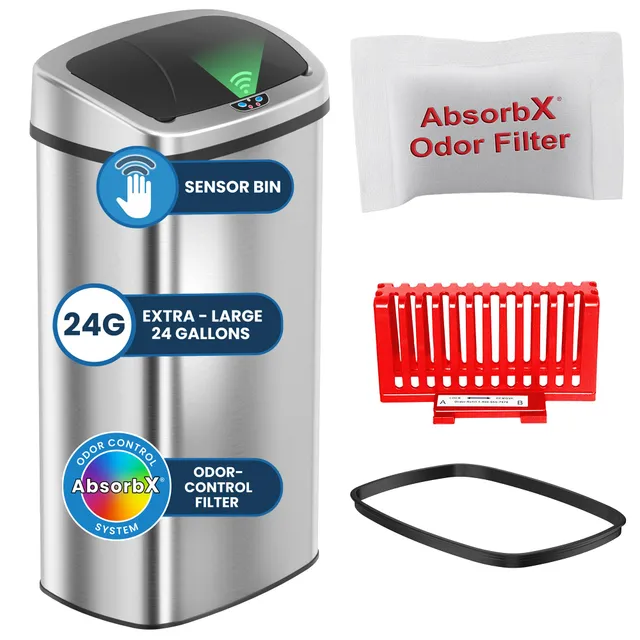
$20.00
1
Your cart is empty
Subtotal
We will hold your cart for 15:00.
Buy more, save more
Coupon discount
Shipping
Add 2 more items to unlock your free mystery gift.
Complimentary item.
Total
$20.00
We will hold your cart for 15:00.
Sensor trash cans are a game-changer for hands-free hygiene. But like any hard-working appliance, they need regular care to keep functioning properly and looking sharp. This guide shows you exactly how to clean your sensor bin, which products to use, and how to avoid common mistakes that break lids and sensors. Whether you own an iTouchless, EKO, or Brabantia, these steps will keep your bin fresh and responsive for years.
Sensor bins sit right where the mess happens. Food spills, sticky residues, and grime don't just smell bad – they can confuse the motion sensor, block the lid mechanism, and stain the stainless steel. Regular cleaning protects your investment, prevents odors, and ensures every wave triggers a smooth open-close.
Plus, a clean bin is more hygienic. Touchless operation only helps if the exterior is free of bacteria-laden smudges. A quick weekly wipe-down and a deeper monthly clean keep things fresh without much effort.
Ready to get started? Here's the step-by-step process, beginning with the crucial prep step: always unplug or remove batteries before cleaning to avoid electrical damage.
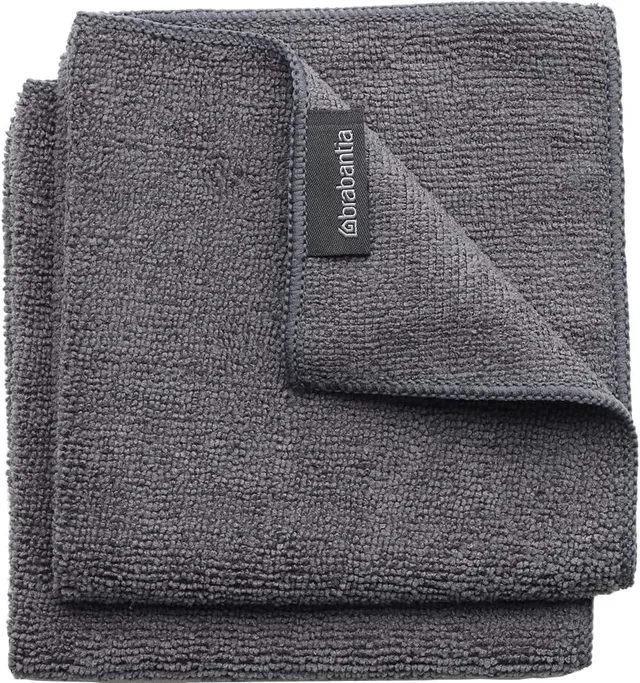
For shiny finishes, dampen a microfiber cloth with warm water and a drop of dish soap. Wipe gently in the direction of the grain. Rinse the cloth and wipe again to remove soap residue. Dry immediately to prevent water spots.
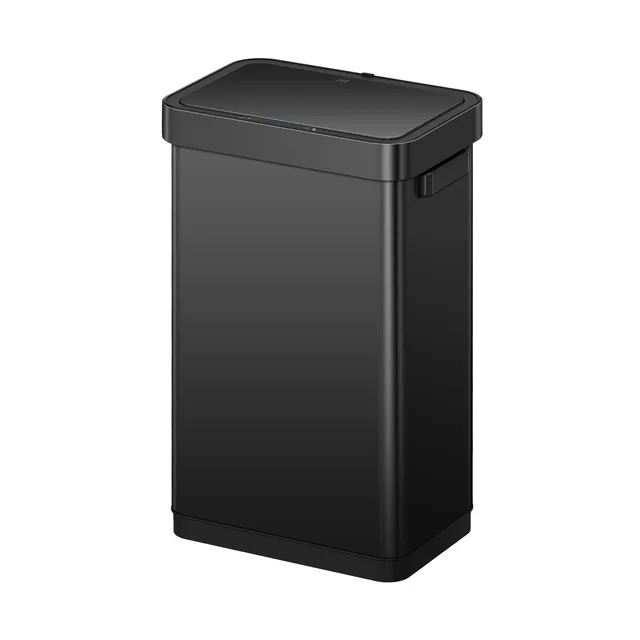
For stubborn fingerprints or streaks, use a dedicated stainless steel cleaning spray – just make sure it's suitable for your bin's finish. For matte black versions, like the EKO Deluxe Mirage-T, stick to mild soap and water; harsh chemicals can strip the matte coating.
The sensor lens is the bin's eye. If it's covered in grime, your bin won't open. Wipe it with a cotton swab dipped in isopropyl alcohol. Be gentle – avoid scratching the lens. Never spray water directly into the sensor opening.
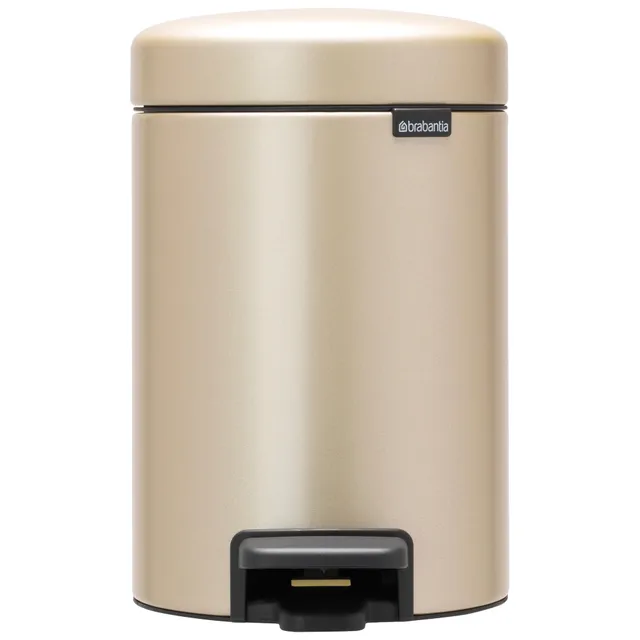
Remove the lid if possible (for models with detachable lids) and clean underneath with a damp cloth. For step bins like the Brabantia Step-On XS, check the hinge area and remove any debris.
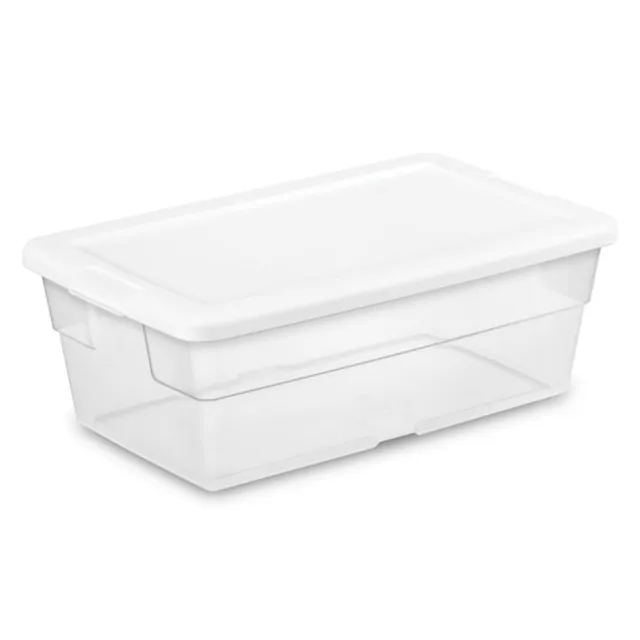
Lift out the inner bucket (if you have one). Rinse it with warm water and dish soap, then air dry. For a deeper clean, mix one cup of baking soda with a few drops of dish soap and water. Scrub the interior of both the bucket and the main canister using a soft sponge. Rinse thoroughly.
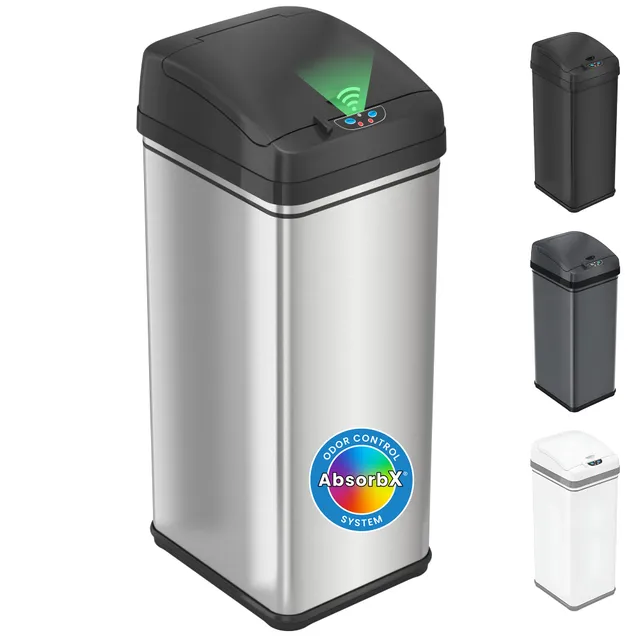
This is also the perfect time to replace your odor control filter. Many iTouchless models come with an AbsorbX filter. Over time, filters get saturated. Replacing them every 3-6 months keeps odors at bay. If your bin has a filter, remove it and follow the manufacturer's instructions for cleaning or replacing.
If your bin starts acting up – not opening, opening randomly, or staying shut – the problem could be a dirty sensor or low batteries. After cleaning, check the sensor's range and angle. If issues persist, try resetting your iTouchless by unplugging it (or removing batteries) for 30 seconds and then pressing the open/close button.
For battery-powered models, use fresh alkaline batteries like D cells or C cells as specified in your user manual. Low batteries are a common reason for sluggish performance. Keep an eye on the battery indicator light. When it's low (often shown in amber), replace the batteries with the recommended type.
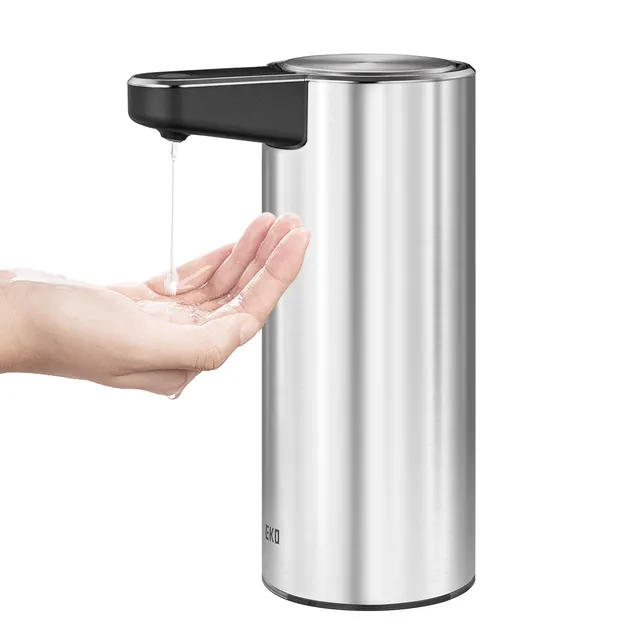

Make these quick habits a part of your kitchen routine:
Sticking to this simple routine will prevent most issues before they start. And remember, a clean bin is a happy bin – your nose, your guests, and the environment will thank you.
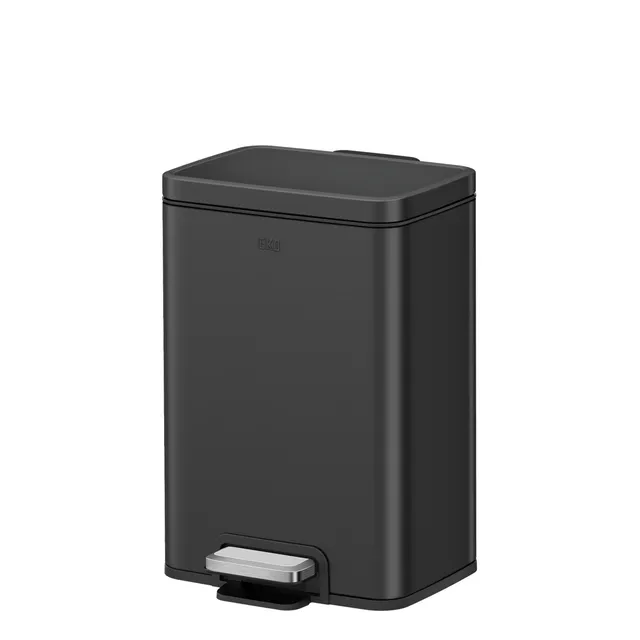
Sensor trash cans are an investment in convenience and hygiene. With just a few minutes of care each week, you can keep them looking brand new and operating reliably. Follow this guide, and you'll avoid costly repairs and keep your kitchen smelling fresh.
If you're in the market for a new sensor bin or replacement parts, explore our top picks above. And for more detailed troubleshooting, check out our other guides on specific models.